Installation (ARTY 7)
Important Document 
Installation Guide:
https://www.xilinx.com/content/dam/xilinx/support/documentation/sw_manuals/xilinx2020_1/ug973-vivado-release-notes-install-license.pdf#namedDest=InstallingTheVivadoDesignSuiteTools
You should to follow the installation guide
So you can download vivado webpack and try on this. it not require vivado license
Should be download last one 35.51 GB if you want to keep tool
If no need you can install online. you computer need to connect the internet. you can download 2 files above corresponding linux and window
Yes. you can use Vitis. you can download on Xilinx website
When install if you want to use webpack version please select at this step
https://www.xilinx.com/products/design-tools/vivado/vivado-webpack.html#architecture
Starting Guide
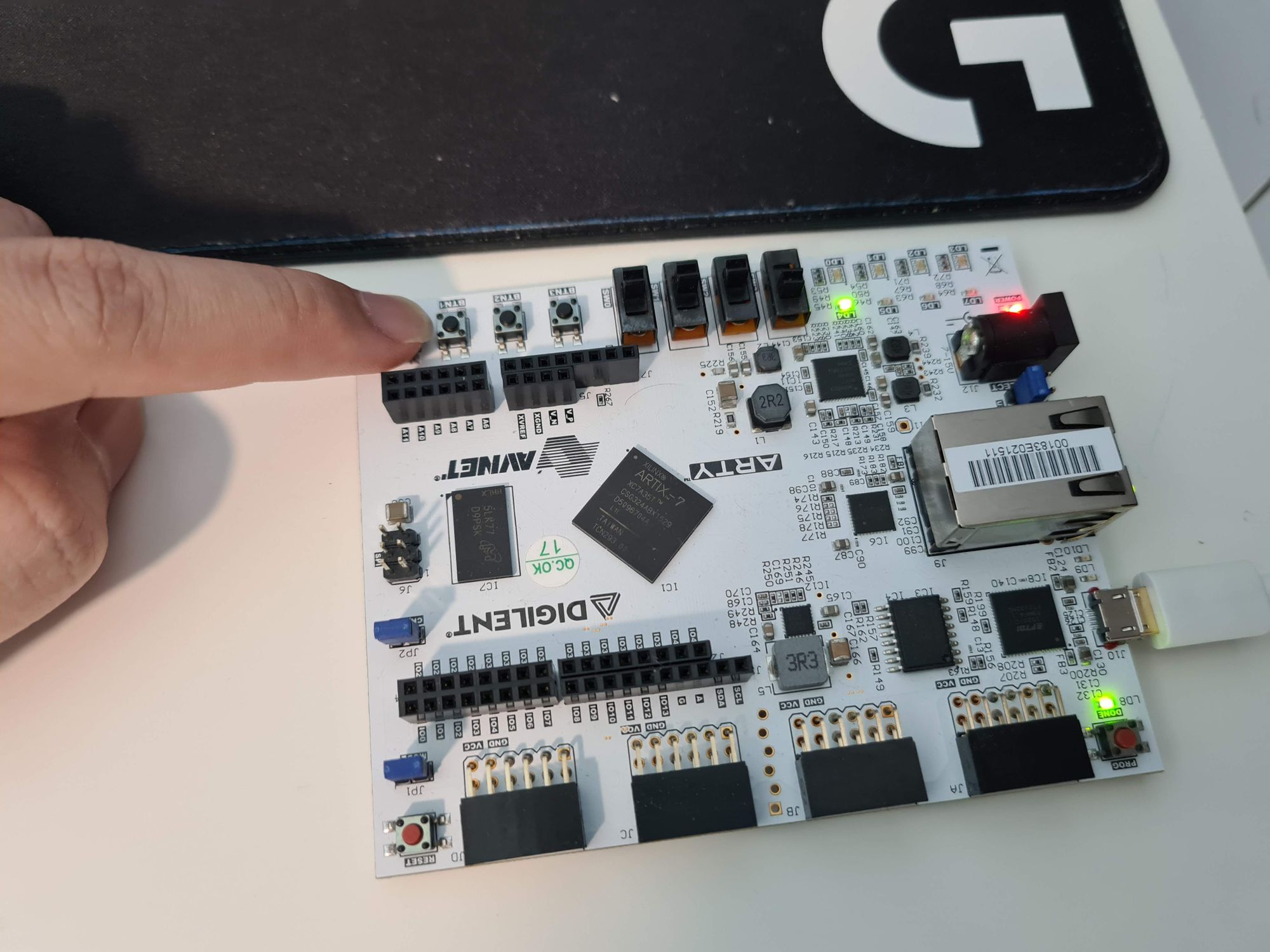
PINOUT